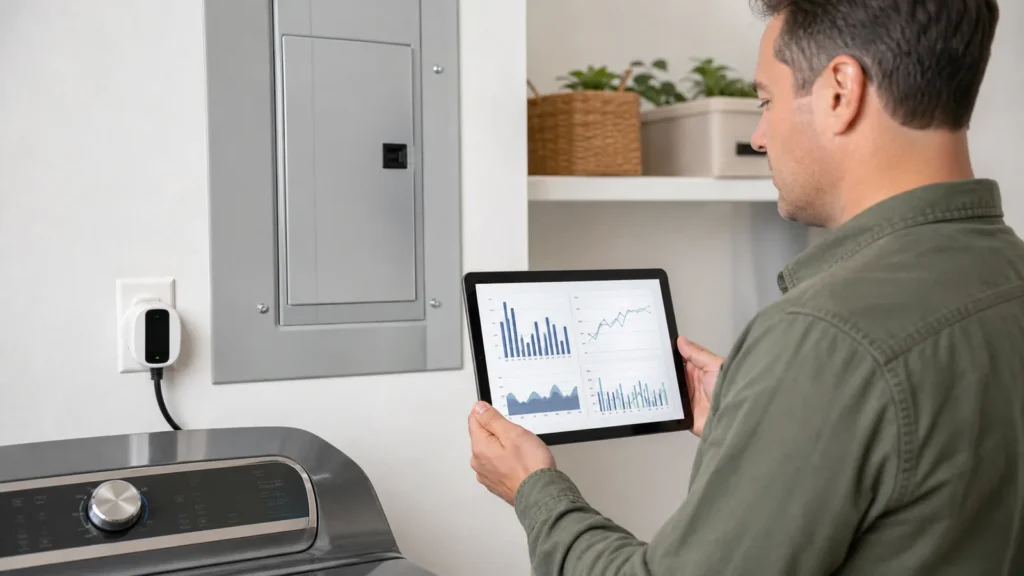
Quick answer: A home energy monitor can be worth it when you have a specific question that utility data or a plug-in meter cannot answer—and when you are willing to act on the data. It is less likely to pay off if you only want a dashboard, expect automatic savings, rent without panel access, or already have detailed utility interval data that answers the problem.
A monitor measures or estimates electricity use; it does not reduce consumption by itself. Start with the cause-finding steps in our high-electric-bill guide, then choose the least expensive measurement method that can resolve the uncertainty.
What “home energy monitor” can mean
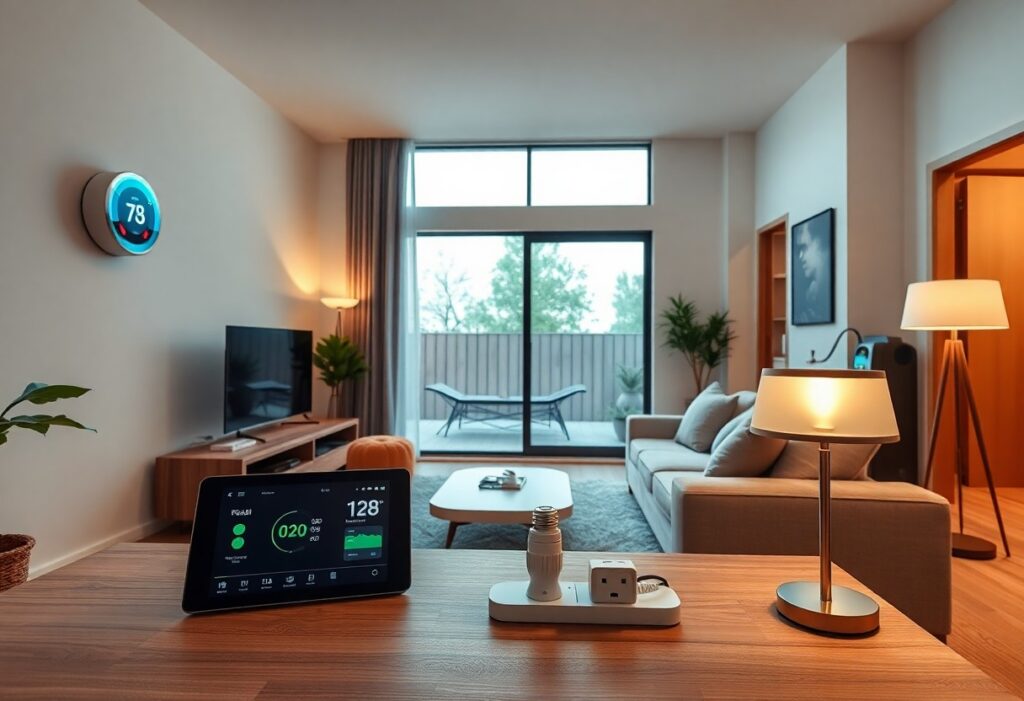
Utility smart-meter data
Many utilities provide hourly or shorter-interval usage at no additional hardware cost. This is the first place to look for daily baseload, overnight use, heating or cooling patterns, and changes after an upgrade. Delay and detail vary by utility.
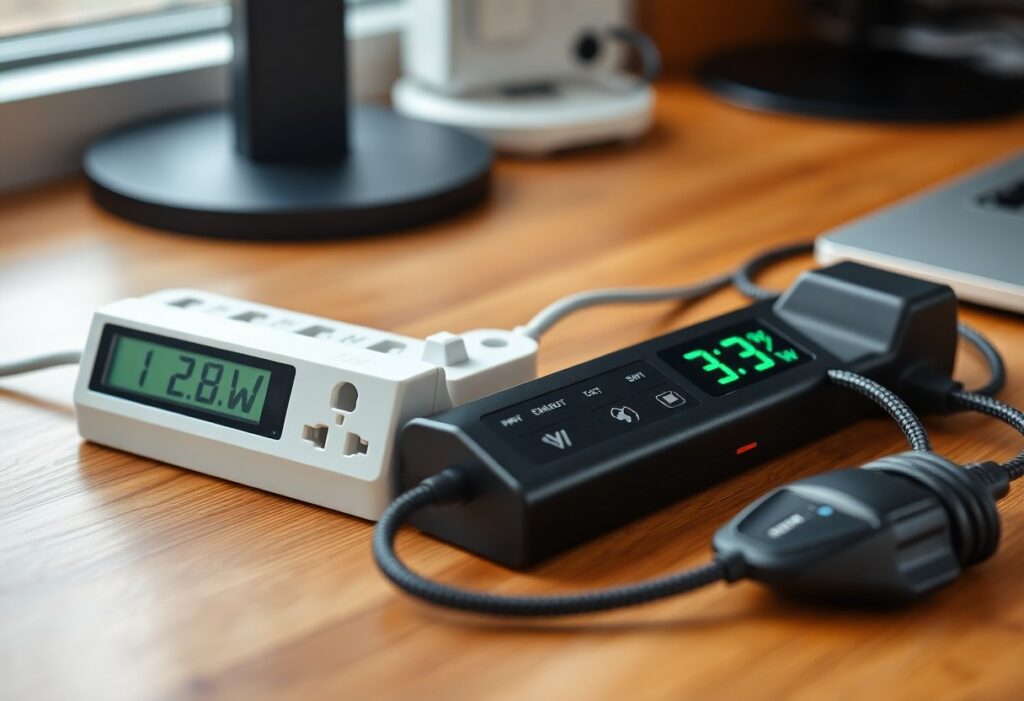
Plug-in electricity meter
A plug-in meter measures one compatible 120-volt appliance at a time. It is useful for refrigerators, dehumidifiers, entertainment equipment, and standby loads. It normally cannot measure central air conditioners, electric water heaters, ranges, dryers, EV chargers, or other hardwired/high-voltage circuits.
Whole-home current-transformer monitor
Current sensors are installed around service or branch-circuit conductors, usually inside the electrical panel. Some systems measure only the total; others add individual circuit sensors. Installation and accuracy depend on the electrical service, panel space, sensor placement, voltage reference, configuration, and product design.
Device-detection monitor
Some monitors analyze the whole-home electrical signal and attempt to identify appliances from their operating signatures. Detection can be convenient, but not every device will be identified or separated correctly. Treat detected-device estimates as clues unless verified against circuit measurements or controlled tests.
Smart panel or connected-device ecosystem
Smart panels, connected breakers, EV chargers, thermostats, solar inverters, batteries, and smart plugs may provide more control and device-level data. They also introduce compatibility, account, network, cloud-service, and long-term support questions.
When a monitor is most likely to be worth it
- You are investigating a persistent high baseload. A monitor can show whether demand remains high overnight or when the home is empty.
- You have large hardwired loads. Circuit monitoring can help separate HVAC, water heating, pumps, EV charging, or other loads that a plug-in meter cannot measure.
- You have solar, batteries, or time-of-use rates. Import, export, peak timing, and load coordination may matter as much as total monthly kWh.
- You want to verify an intervention. Data before and after a repair, schedule change, or equipment replacement can reveal whether the expected pattern changed.
- You will review the data repeatedly. Research on real-time feedback shows widely varying outcomes; engagement and action are central to savings.
When a cheaper method is better
Use the utility portal first when the question is about whole-home timing. Use a plug-in meter for one compatible appliance. Use the appliance nameplate and runtime for a rough upper-bound calculation. Our plug-in meter versus whole-home monitor guide helps match the measurement method to the question. Ask an HVAC, plumbing, solar, or electrical professional for measurements when the issue involves performance or safety rather than merely energy accounting.
For example, a monitor may show that an old AC circuit runs for long periods, but it cannot by itself distinguish dirty coils, low refrigerant, poor ducts, extreme weather, or incorrect sizing. Continue with the old-AC diagnostic guide. Likewise, repeated water-heating cycles require the checks in our water-heater guide.
What a monitor can and cannot tell you
| Question | What monitoring can do | Important limitation |
|---|---|---|
| When is electricity used? | Show time patterns and peaks. | Reporting delay and sampling differ by system. |
| Which circuit is large? | Measure a circuit when a sensor is installed for it. | Total-only monitors may estimate rather than directly measure devices. |
| Is an appliance faulty? | Reveal abnormal runtime or energy patterns. | It cannot diagnose the mechanical or electrical fault. |
| Will this save money? | Quantify use and support a before/after comparison. | Savings require a feasible action and depend on the tariff. |
| Is the utility bill wrong? | Provide an independent pattern and approximate total. | Consumer monitors are not the utility’s revenue meter and may not match it exactly. |
How much savings should you expect?
Do not use one universal percentage. ACEEE’s review of nine large real-time feedback pilots found household outcomes ranging from no aggregate effect in some pilots to much larger results in others, with an average of 3.8% across the reviewed pilots. Those programs, devices, prices, participants, and study designs are not identical to buying a current retail monitor.
The honest model is: monitor → identify an actionable load → make a change → verify the result. If the monitor only confirms that essential equipment uses electricity and no reasonable change follows, the financial return may be zero even though the information is accurate.
A simple payback calculation
Add the monitor price, professional installation, optional sensors, subscription, and likely replacement or service costs. Then estimate annual savings only from specific actions you can defend:
Simple payback in years = total installed cost ÷ verified annual bill reduction.
Use measured kWh and your actual rate. For time-of-use tariffs, value each change in the period when it occurs. Do not count avoided repair or comfort benefits as energy savings unless you model them separately.
Features that matter before buying
- Measurement scope: whole-home totals, individual circuits, solar production, batteries, or supported smart plugs.
- Electrical compatibility: service type, voltage, current range, panel space, conductor access, and sensor count.
- Installation: manufacturer requirements, local code, permits, and whether a qualified professional is required.
- Data access: export formats, sampling and reporting intervals, historical retention, API/integration options, and account ownership.
- Cloud dependency: what works if internet access, the vendor service, or product support changes.
- Ongoing cost: subscription, add-on sensors, electrician labor, and replacement hardware.
- Privacy and security: what occupancy and appliance patterns can be inferred, where data is stored, and how accounts are protected.
- Warranty and support: current regional availability and documented support—not old marketplace listings.
Installation and safety
Panel-mounted monitors involve conductors and service equipment. The Sense installation guide warns that service mains remain live even after the main breaker is turned off and recommends installation by a qualified professional. Follow the selected product’s instructions and local rules. Do not treat a video or article as authorization to work inside a panel.
Renters should favor utility data and plug-in meters unless the property owner and a qualified installer approve a panel-mounted device.
Our current recommendation
Begin free: download utility interval data and identify the question. Add a plug-in meter when one compatible appliance is the suspect. Consider a whole-home or circuit monitor only when the unresolved load is large enough, hardwired, recurring, or operationally important.
Our energy-saving devices hub covers other useful categories. Avoid substituting a plug-in “power saver” for measurement; see why those devices usually do not reduce residential kWh.
Bottom line
For a current product-specific example with cloud and installation tradeoffs, read our Emporia Vue 3 evidence review.
A home energy monitor is worth it when better visibility leads to a measurable decision. Choose the simplest tool that can answer your question, include installation and ongoing costs, verify product data access, and never confuse information with guaranteed savings.
Sources
- ACEEE: Results from Recent Real-Time Feedback Studies
- Lawrence Berkeley National Laboratory: insights from smart-meter data and feedback
- Sense: home energy monitor installation and safety guidance
- Emporia: Vue 3 installation guide
Affiliate disclosure: This article contains no product affiliate links at publication. Future commercial links, if added, will be identified and will not change the comparison criteria.
Editorial method: This is an evidence-led category guide, not a hands-on test of every monitor. Product specifications and services can change and must be rechecked before purchase.